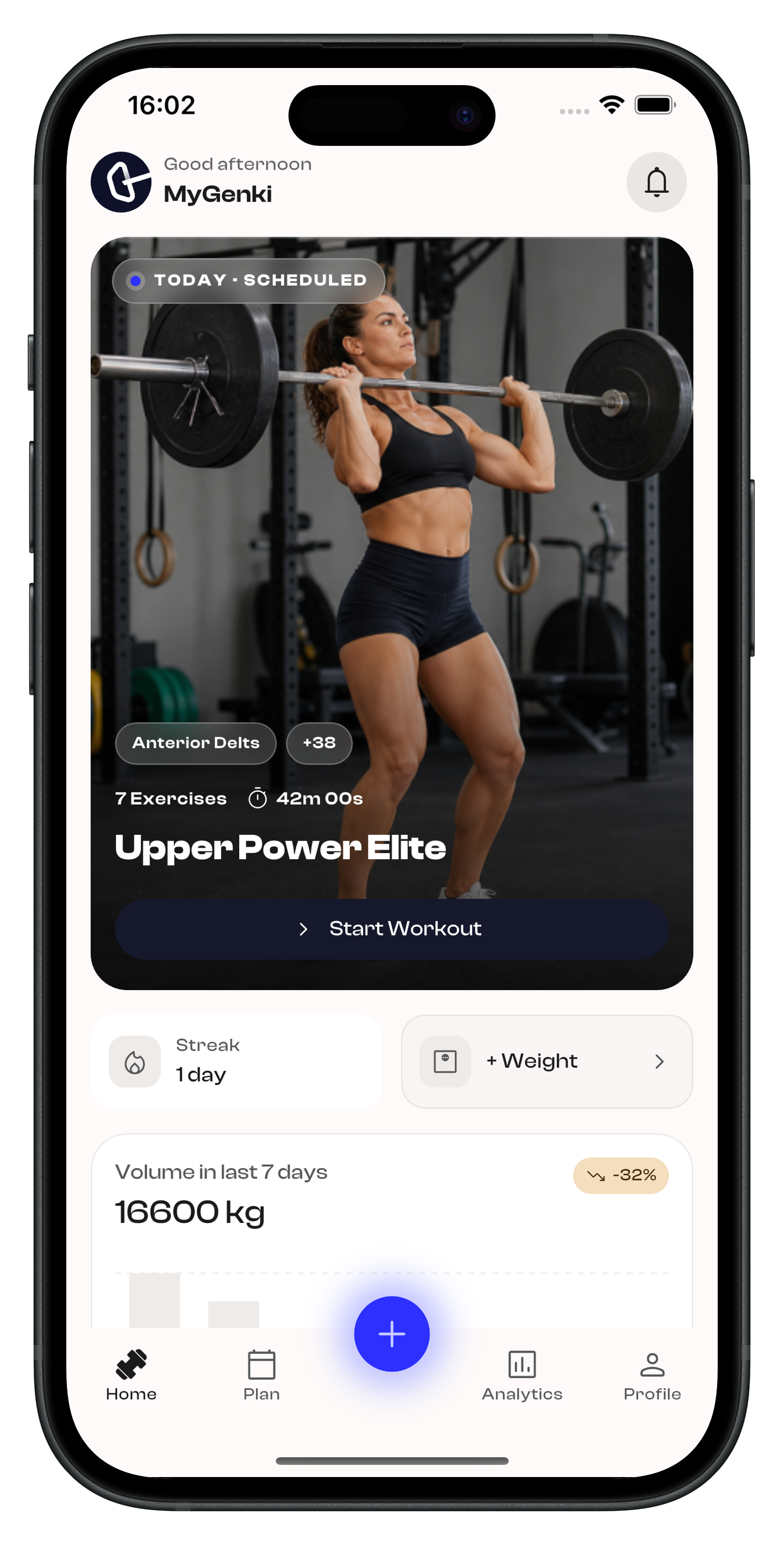
 MyGenki
 Built around the way you train
Start faster, stay focused during each set, plan the week ahead, and review progress from your training and body data.
Start a workout from the home screen
MyGenki helps users begin training quickly from their home dashboard. They can choose a suggested section, pick a routine template, and start the session without rebuilding the workout from scratch.
1
Open Home
2
Choose a workout section
3
Tap start
4
Select a template
5
Begin workout
Track sets, then switch into focus mode
Users can manage the full workout in overview mode, complete sets as they train, and move into immersive focus mode when they want a cleaner view of the current exercise.
1
Open workout overview
2
Complete a few sets
3
Check workout progress
4
Switch to focus mode
5
Continue set by set
Plan workouts around the week
MyGenki makes training easier to prepare by letting users move from the home screen into planning, choose a routine, and schedule it on the days they want to train.
1
Open Home
2
Select Plan
3
Choose a routine
4
Pick a schedule
5
Save workout plan
Review progress from training and body data
Users can move between analytics and body measurements to understand both workout performance and physical changes, making progress easier to review from more than one angle.
1
Open Analytics
2
Review training trends
3
Check personal records
4
Open Measurements
5
Compare body progress
Get the MyGenki App
Track workouts, routines, and progress with MyGenki on iPhone and Android.